-
Home
-
Marketplaces
- ChatGPT Ads
Advertise your products in ChatGPT with ChannelEngine
Connect your product catalog to ChatGPT Ads with ChannelEngine. Turn your existing product data into an advertising-ready feed and bring your products to a new audience.
About ChatGPT Ads
About ChatGPT Ads
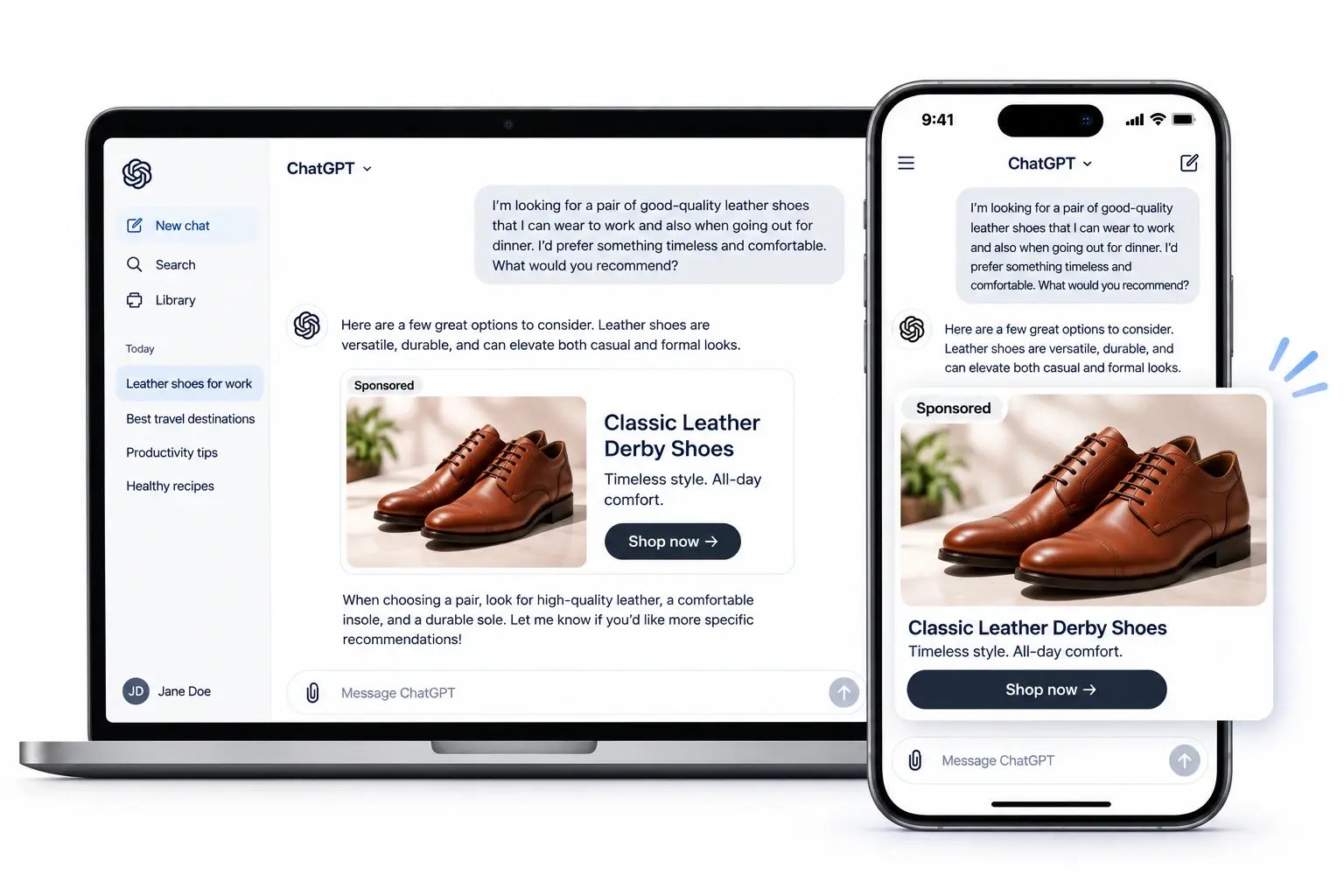
ChatGPT Ads gives brands and retailers a new way to reach potential customers as they research products and consider different brands. Ads are matched to the context of a conversation, helping businesses present relevant products to shoppers exploring what to buy.
With ChannelEngine's dedicated ChatGPT Ads integration, you can connect your existing product catalog to this new advertising channel without building a custom feed from scratch. Make your products available for ChatGPT Ads campaigns, increase visibility, and drive interested shoppers to your webstore.
📖 Helpful resource: How to optimize your product catalog for both humans and AI agents
Why include ChatGPT Ads in your advertising strategy?
Expand your advertising reach using the product data you already manage.
Connect your product catalog to ChatGPT Ads
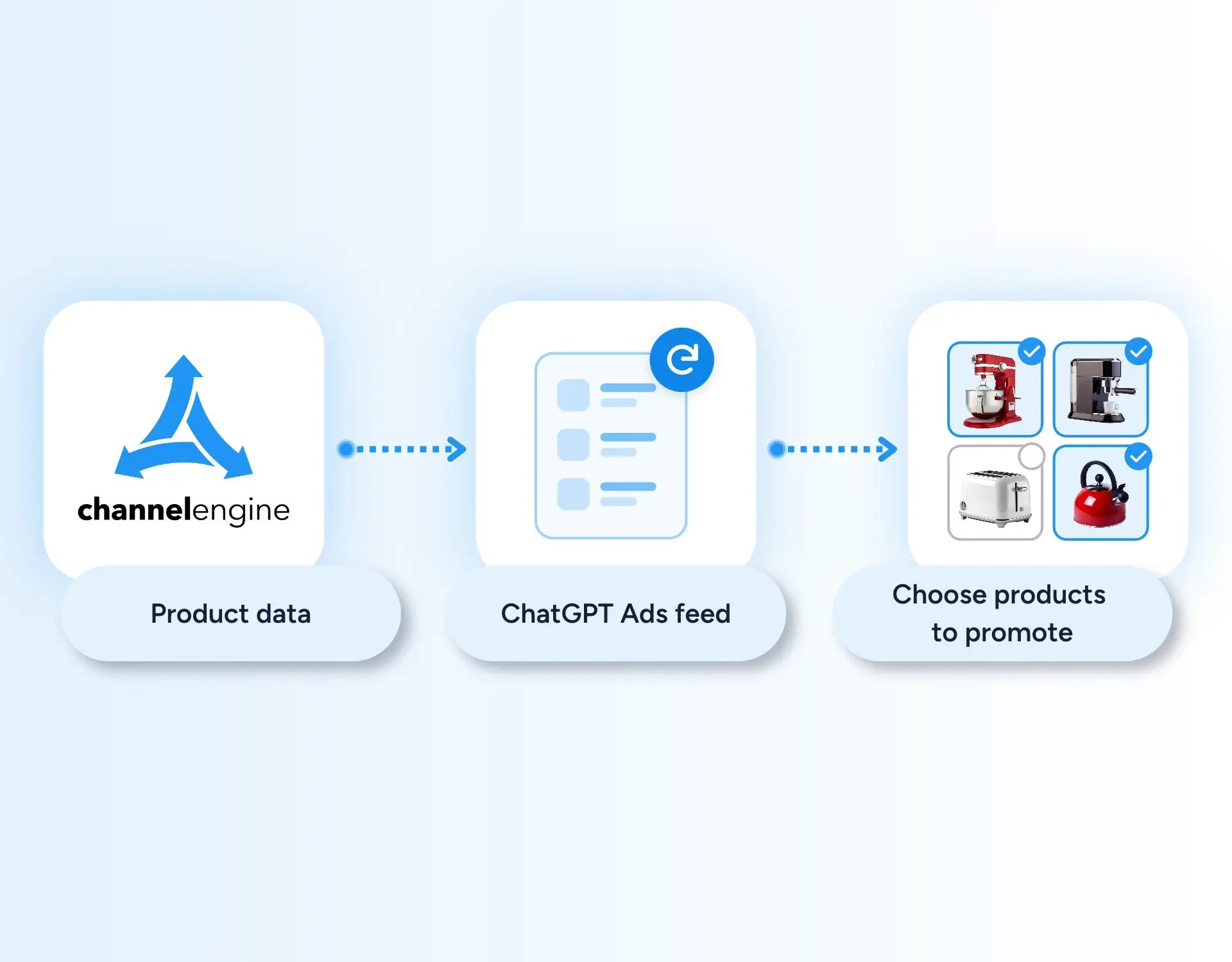
Get started with ChatGPT Ads through a dedicated ChannelEngine integration, without having to build and maintain a custom feed. Use your existing product data to generate a feed that meets the channel's requirements.
| Simplify your setup: Use product information already managed in ChannelEngine to create your ChatGPT Ads feed. | |
| Keep product information refreshed: The initial feed generation can take up to one hour. After that, ChannelEngine generates your product feed hourly. | |
| Choose the products you want to promote: Create a product selection in ChannelEngine to choose which products to include in your feed. Use the feed to make those products available for your campaigns. |
How to integrate ChatGPT ads with ChannelEngine (in 4 steps)
1. Set up the channel: Add the ChatGPT Ads channel in ChannelEngine and complete the setup, including your product selection, mappings, and pricing.
2. Generate your product feed: Once you save your product selection, ChannelEngine generates your feed. The initial generation can take up to one hour. You can choose between CSV and JSONL formats.
3. Connect your feed to OpenAI: Copy your product feed URL from the Product selection step in ChannelEngine and add it to your OpenAI Ads Manager account.
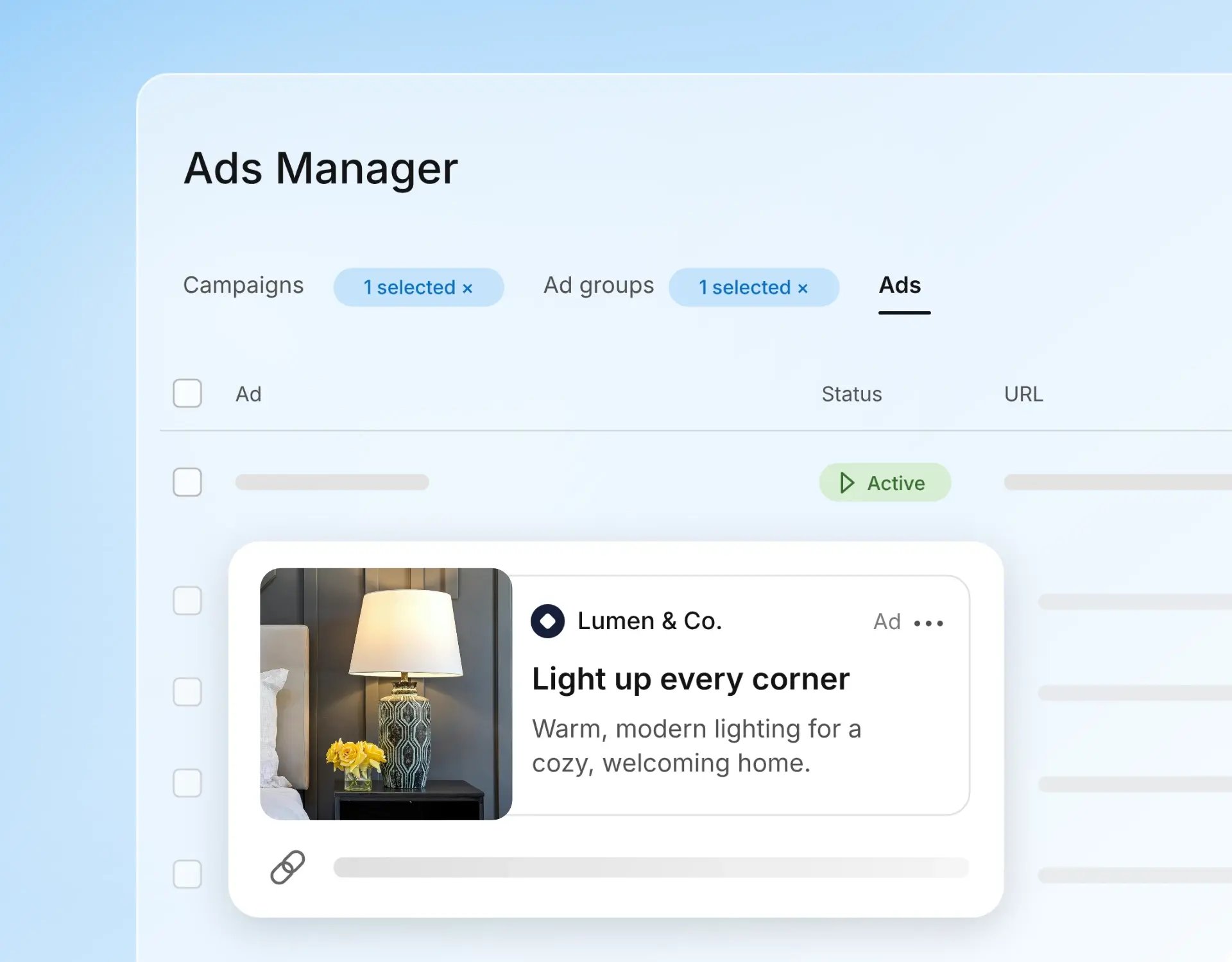
4. Create your campaigns: Set up and manage your advertising campaigns directly in OpenAI Ads Manager.
Check out our latest marketplaces 🚀
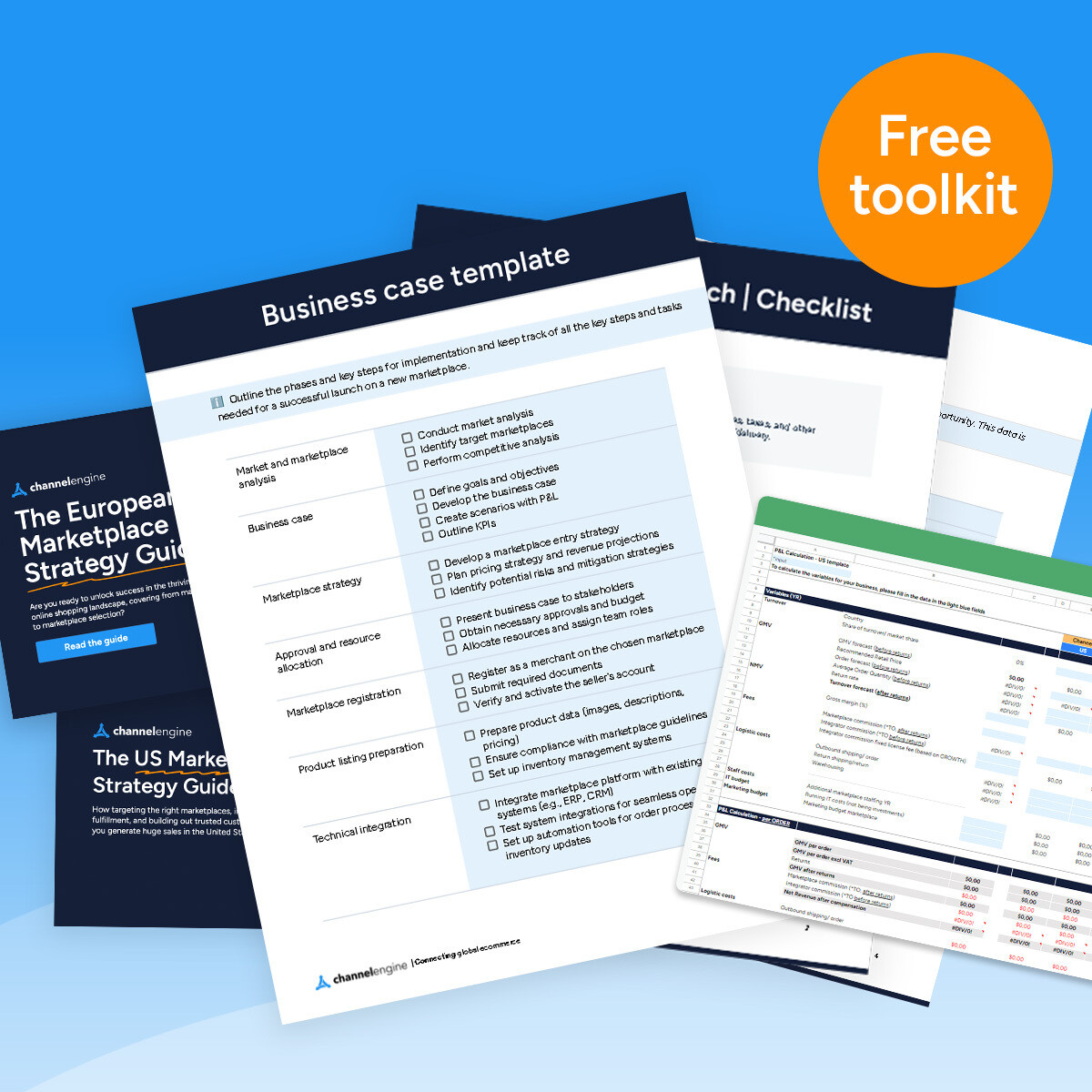
Planning to launch on a new marketplace?
From research, market fit, business case and implementation - there is a lot to consider - but we've made it easier for you.
Check out our Marketplace Expansion Pack below.
Ready to explore ChatGPT Ads?
Talk to our team to discover how ChannelEngine can help you prepare your product feed and connect your catalog to ChatGPT Ads.
Frequently asked questions
-
What are ChatGPT Ads?
ChatGPT Ads are advertising placements that allow brands to ...
ChatGPT Ads are advertising placements that allow brands to promote products or services within the ChatGPT experience. Ads are matched to the context of a conversation, giving businesses another opportunity to reach potential customers as they explore their options.
-
How can retailers advertise their products on ChatGPT?
Retailers can connect a product feed to OpenAI Ads Manager ...
Retailers can connect a product feed to OpenAI Ads Manager and use it to create product-feed campaigns. ChannelEngine generates the feed from your existing product data, while you create and manage your campaigns in OpenAI Ads Manager.
-
Do I need an OpenAI Ads Manager account?
Yes. You'll need an OpenAI Ads Manager account to connect ...
Yes. You'll need an OpenAI Ads Manager account to connect your product feed and create and manage your advertising campaigns. OpenAI also requires business verification, a valid payment setup, and an active business website or application.
-
Does ChannelEngine manage my ChatGPT Ads campaigns?
No. ChannelEngine generates and refreshes your product ...
No. ChannelEngine generates and refreshes your product feed. You create, launch, and manage your advertising campaigns directly in OpenAI Ads Manager.
-
How often does ChannelEngine update my product feed?
ChannelEngine generates your product feed hourly. The first ...
ChannelEngine generates your product feed hourly. The first feed generation can take up to one hour after you save your product selection.
-
Which product data does the integration support?
The integration supports product content and offer data, ...
The integration supports product content and offer data, including product information, pricing, and availability. You can also include product variations, although these require manual configuration.
-
Can I manage orders through ChannelEngine's ChatGPT Ads integration?
No. When shoppers click your ads, they're directed to your ...
No. When shoppers click your ads, they're directed to your webstore. You continue to manage orders, shipments, cancellations, and returns through your existing ecommerce operations.